 Skip to content
How to Automate Inventory Management | Expert Guide & Implementation Strategies
Introduction
There’s a particular kind of dread that comes with a physical stock count turning up numbers that don’t match what the system says. Every warehouse manager’s lived through it at some point. Spreadsheets accurate three weeks ago. Reorders triggered too late or too early because nobody caught the actual sales velocity in time. A product that’s technically out of stock but still showing available on the website while some customer’s order just sits there, unfulfillable.
None of that’s really a people problem, most of the time. Process problem, usually, and the fix isn’t hiring more staff to count things faster. It’s automated inventory management, letting software track what manual processes just can’t keep up with once a business grows past a certain size.
I’ve seen small operations run entirely on spreadsheets for years, manage fine, right up until the moment they didn’t. Growth exposes cracks in manual tracking faster than almost anything else in a business, and it rarely gives much warning first.
What Does Automated Inventory Management Actually Involve?
People picture some big software switch that magically fixes everything overnight sometimes not quite how it works in practice unfortunately.
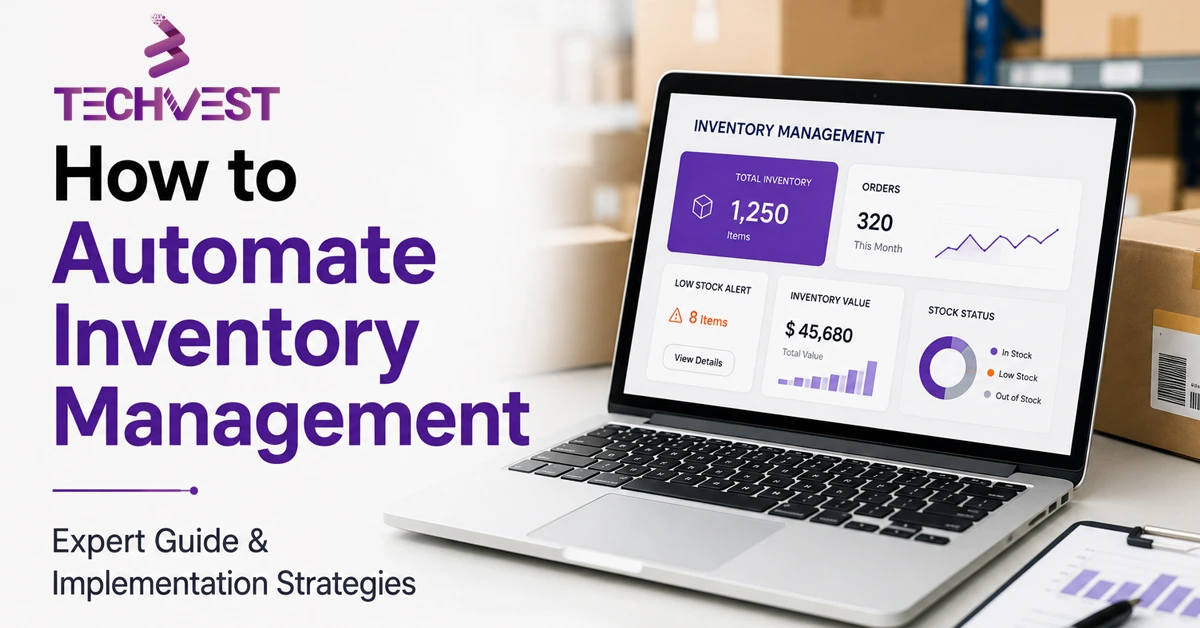
At its core automated inventory management means using software to track stock levels trigger reorders and update records automatically based on actual sales and receiving activity instead of someone manually counting shelves and updating a spreadsheet after the fact hours later sometimes days later barcode or RFID scanning usually handles the physical tracking piece, updating quantities the moment something moves in or out rather than relying on periodic manual counts already outdated by the time anyone actually reviews them.
Reorder triggers matter a lot too. Automatically generating purchase orders once stock hits a set threshold, so nobody’s manually watching dashboards trying to catch low stock before it turns into an actual stockout. Tech stack integration and data sync rounds it out, syncing inventory across a website, a physical store, any marketplace listings, so nothing gets oversold because one channel wasn’t updated in time.
Why Manual Inventory Tracking Breaks Down Eventually
Every business starts somewhere manageable. A spreadsheet works fine with two hundred SKUs and one location. Stops working somewhere around a thousand SKUs or a second warehouse, and the transition usually isn’t gradual. It’s sudden.
Here’s what’s easy to underestimate. Manual tracking doesn’t just get slower as a business grows, it gets less accurate at the same time, which is honestly the worse problem of the two. Stockouts happen because nobody caught declining stock in time. Overstock happens because reorders got placed on gut feeling instead of actual sales data. And the labor cost of manual counting adds up fast, hours spent every week just verifying numbers that automated systems would’ve kept accurate the whole time without anyone lifting a finger.
There’s a customer experience angle too, easy to overlook until it bites you. Selling something that’s actually out of stock, then having to apologize and refund, damages trust in a way that’s hard to fully repair, especially with repeat customers who expected better from you.
How Businesses Actually Automate Their Inventory Process
Getting started doesn’t mean ripping out every existing system overnight which is a relief for businesses already running lean with no room for a full rebuild.
Usually starts with choosing the right inventory software one that actually integrates with existing sales channels accounting systems, and shipping tools rather than sitting as an isolated island of data nobody else can touch from there barcode or RFID implementation handles the physical tracking tagging products so the system updates automatically as items move instead of depending on manual entry that’s prone to error and delay.
Setting reorder points properly matters a lot too, based on actual historical sales data and lead times rather than rough guesses that might’ve made sense a year ago but haven’t been revisited since. And staff training rounds it out, since even the best system fails if the team doesn’t trust it enough to actually rely on it instead of quietly falling back to old habits out of comfort.
The Real Benefits of Automating Inventory
Fewer stockouts and less overstock top the list, and honestly this alone often justifies the cost of implementation within the first year for a lot of businesses.
Time savings matter enormously too, hours previously spent on manual counts and spreadsheet reconciliation freed up for work that actually grows the business instead of just maintaining it. Better forecasting comes from having accurate historical data through inventory management automation, instead of trying to predict demand based on incomplete numbers that were never quite reliable to begin with anyway.
There’s a scalability piece worth mentioning too. A business running on spreadsheets genuinely can’t add a second warehouse or a dozen new SKUs without the whole system straining under the weight of it. Automated systems handle that growth without hitting the same breaking point.
Where Inventory Automation Fits Into Broader Business Automation
Inventory rarely sits in isolation from everything else a business is trying to streamline. Worth understanding how it connects to other automation efforts happening at the same time, usually.
A lot of growing businesses automate multiple operational areas simultaneously. Contract management automation handles vendor and supplier agreements, tracking renewal dates and terms without someone manually combing through file folders looking for the right one. Expense management automation streamlines approval workflows and reconciliation, cutting down the back-and-forth that used to eat up an accounting team’s entire week. Invoice management automation takes care of matching invoices to purchase orders and flagging discrepancies automatically instead of relying on someone catching errors by hand, hours after they’ve already happened.
These systems often talk to each other too. A reorder triggered by inventory automation can flow straight into a purchase order, which then connects to invoice matching once the goods actually arrive, creating a chain where each automated piece supports the next instead of operating as disconnected silos nobody’s tied together.
Common Mistakes Businesses Make Automating Inventory
A handful of issues show up repeatedly across businesses rolling out automated inventory management for the first time.
Choosing software based on price alone is a big one, picking the cheapest option without checking whether it actually integrates with existing sales channels and accounting tools. Skipping proper data cleanup before automating trips people up too, migrating messy, inaccurate inventory data into a new system just means the mess follows right along and undermines the whole point of automating in the first place.
Not setting reorder points properly causes real problems as well, using default settings instead of actual historical sales data, which leads right back to the same stockout and overstock issues the automation was supposed to fix. And underinvesting in staff training is probably the quietest mistake of all, since a powerful system nobody trusts or knows how to use properly ends up abandoned within a few months, quietly reverted back to spreadsheets.
When Should a Business Automate Inventory Management?
Earlier than most businesses assume, generally speaking.
Worth looking into an AI readiness automation strategy if stockouts or overstock situations keep happening despite everyone’s best efforts to track things manually.. Same goes if the business is expanding to a second location or additional sales channels since manual tracking rarely survives that kind of expansion intact if staff are spending real hours each week on manual counts and reconciliation instead of higher value work that’s often the clearest sign it’s time to make the switch already.
Final Thoughts
Getting automated inventory management right isn’t about chasing the flashiest software on the market. It’s about finding a system that actually fits the business and committing to using it properly instead of falling back on old manual habits out of familiarity. The businesses that get this right tend to spend a lot less time firefighting stock issues and a lot more time actually growing. If inventory’s felt like a constant headache lately, probably worth looking into what could actually be automated first.Tech stack integration and data sync.
Frequently Asked Questions
What is automated inventory management?
It means using software to track stock levels, trigger reorders, and update records automatically based on actual sales and receiving activity, instead of manual counts and spreadsheets.
Why does manual inventory tracking break down as a business grows?
Manual tracking becomes both slower and less accurate as SKUs and locations increase. This leads to stockouts, overstock, and hours of labor spent verifying numbers.
How do businesses start automating their inventory process?
Start with inventory software that integrates with your sales channels, accounting, and shipping tools. Then add barcode or RFID tracking, set reorder points from historical sales data, and train your staff.
What are the main benefits of automating inventory?
Fewer stockouts and less overstock, time saved on manual counts and reconciliation, better demand forecasting from accurate data, and the ability to scale to new locations or SKUs.
What are the most common inventory automation mistakes?
Choosing software on price alone, skipping data cleanup before migrating, using default reorder points instead of real sales data, and underinvesting in staff training.
When should a business automate inventory management?
Earlier than most assume, especially when stockouts or overstock keep happening, when expanding to a second location or sales channel, or when staff spend hours each week on manual counts.
